
Bizzo casino login: access your account
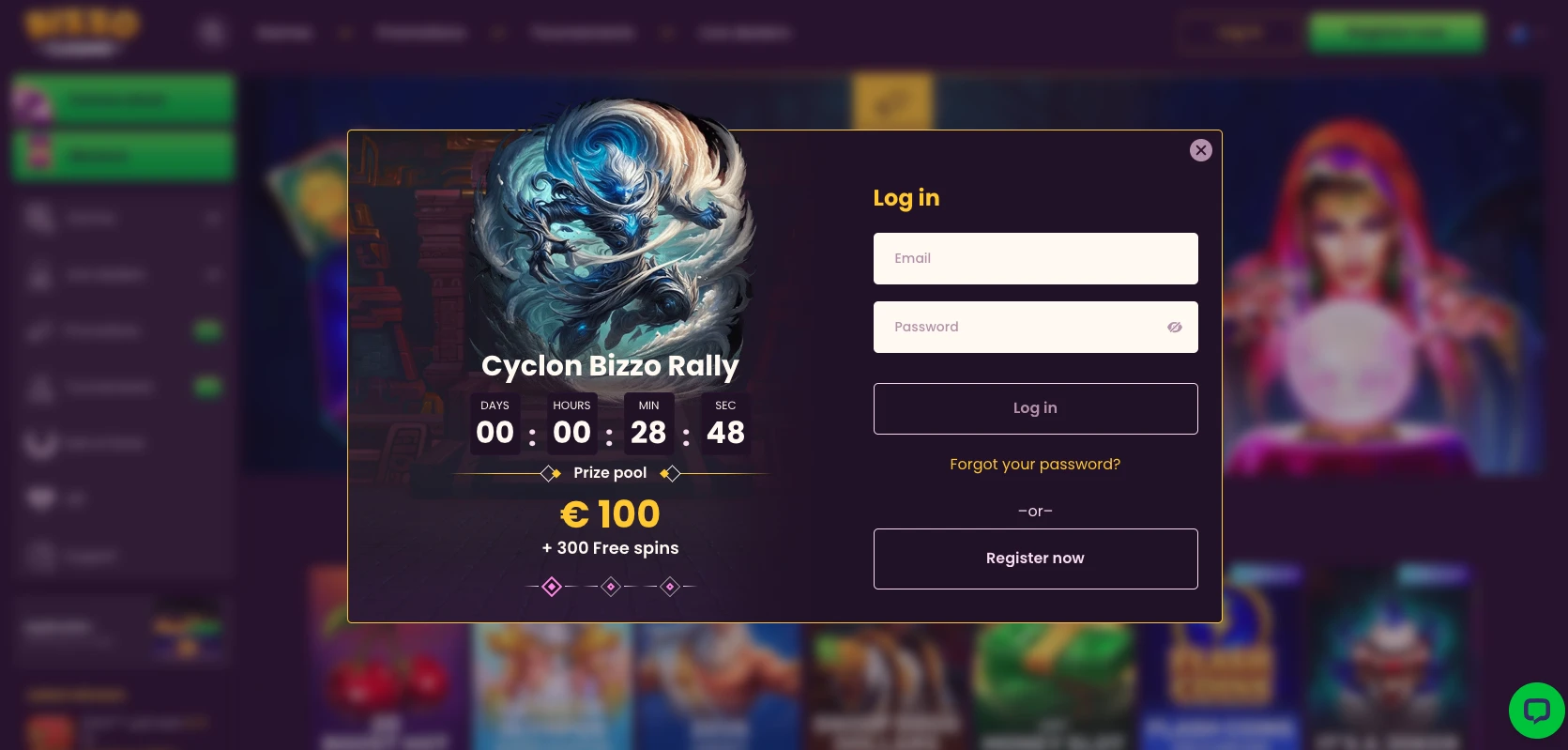
If you’re looking for the Bizzo casino login, you’re in the right place. This page shows you where the account-access entry point lives, walks through a few safe checks if the page doesn’t behave the way you expect, and explains how to reach support if you’re still stuck afterward. Select Log in to open the sign-in screen, then enter the details for your existing account. If you have not registered yet, create your account through registration before returning to Log in.
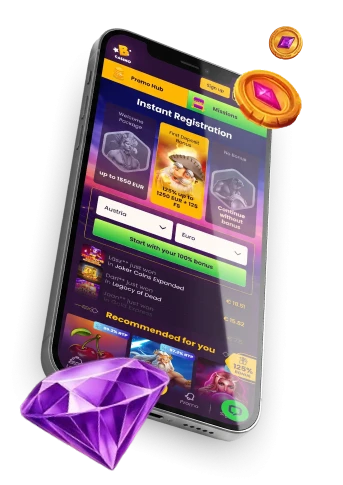
Bizzo casino account access
To access your account, look for the Log in control, typically shown near the top of the site, and select it to open the sign-in screen. Enter your registered account details on the sign-in screen and submit them to access your account. If your details are rejected or the screen does not load, check your entries, connection and browser using the steps below before retrying.
If you already have an account, this Log in control is the only access route we publish for returning to it, so start there before trying anything else. If account recovery and browser checks don’t restore access, avoid creating a second profile: the Bizzo casino overview states that each player may hold only one personal account.
Bizzo login checks when access does not work
Sometimes the sign-in screen behaves unexpectedly — a blank field, a stuck page, or details that don’t seem to register. Before contacting anyone, work through a short, low-risk sequence rather than retrying the same action repeatedly or guessing at credentials.
- Reopen the account-access page using the Log in control, to confirm you’re on the right screen.
- Check your internet connection and reload the page.
- If prompted for account details, double-check what you’ve typed, your keyboard’s capitalization and language settings, and any autofill that may have inserted an old entry.
- If the page still behaves oddly, try a different, current browser.
- If access still isn’t working, contact Live Chat rather than repeatedly guessing or sharing your password with anyone.
None of these steps are a substitute for your own account details, and none of them guarantee entry — they simply rule out common, everyday friction before you escalate to support.
Bizzo casino app installation is a separate route
Installing the app is a different action from signing in through your browser, and it won’t change how browser sign-in itself behaves. If you want the app, open the menu in our interface and tap “Application” to start the install from there.
Our webview app uses the same account and sign-in route as the mobile website and desktop, so use your existing account details after installation. The Bizzo casino app installation uses the Application menu option.
Contact support about account access
If you’ve worked through the checks above and still can’t get into your account, contact our support team via Live Chat and explain what problem you’ve faced. We can’t promise a fixed response time or a guaranteed resolution, but describing the issue clearly gives support the details needed to investigate.
To make that conversation as useful as possible, have the following ready before you start chatting:
- What happens after you select Log in — a blank screen, an error message, or nothing at all.
- The approximate time of the issue and the device or browser you were using.
- Any on-screen message, quoted exactly as it appears.
- Keep your password and unnecessary sensitive payment information to yourself — support doesn’t need either to help you.
Frequently asked questions
Where do I start the Bizzo casino sign-in?
Select Log in on our site to open the sign-in screen, then enter your existing account details. If access fails, check the entries and browser using the troubleshooting steps above; contact Live Chat if the issue continues.
How old do I need to be to play?
You need to be at least 18 to play, and you also need to meet any higher minimum age set by the laws of your own jurisdiction. Checking those local rules before you play is your responsibility.
How can I contact support if I cannot access my account?
Contact our support team through Live Chat and explain the problem you’re facing. We’ll work with the details you provide, though we can’t promise a specific response time or outcome.